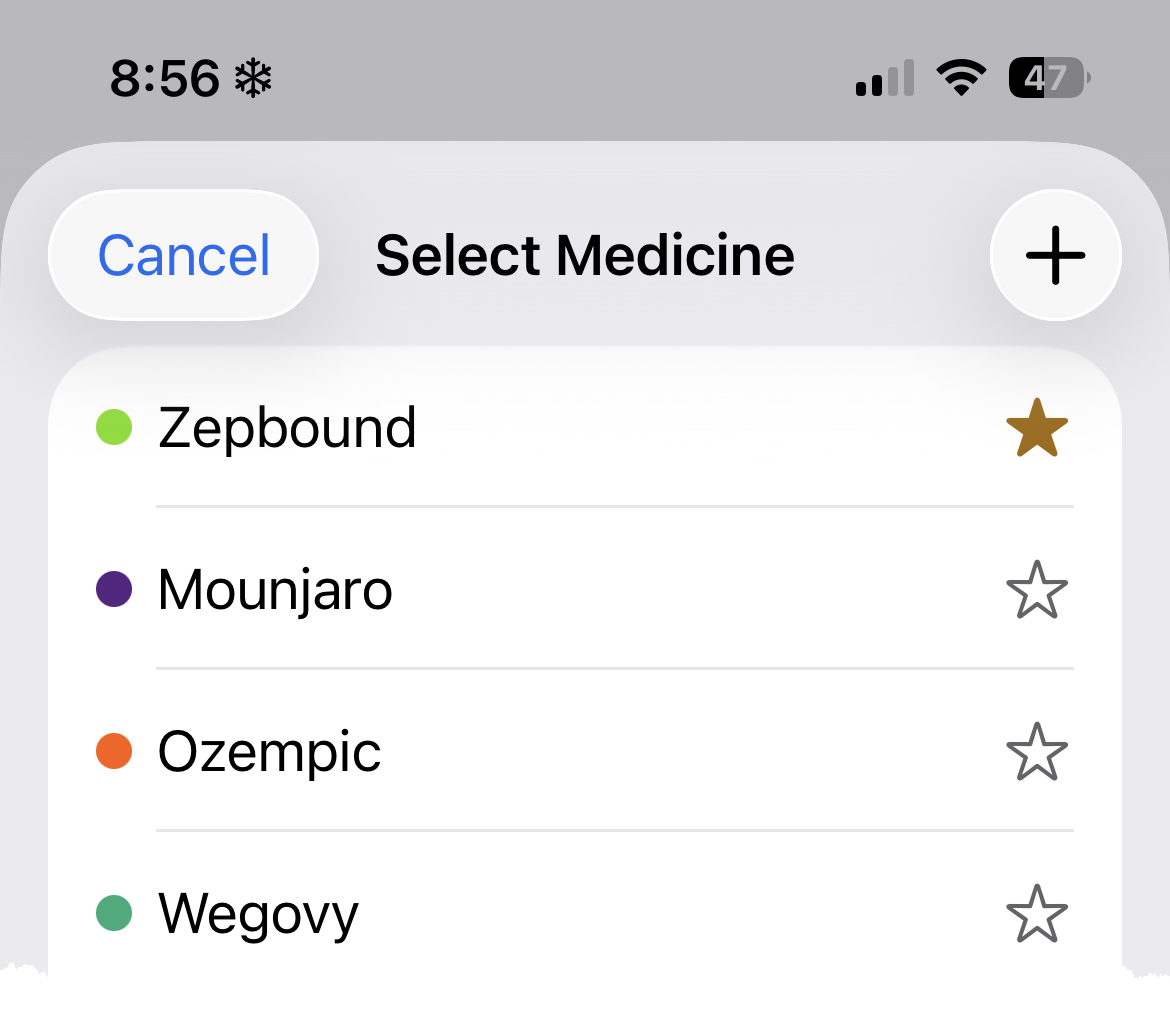
Pokii includes all major GLP-1 medications out of the box, but if yours isn't on the list — a compounded version, a trial medication, or anything else — you can add it yourself.
On the Select Medicine screen, tap the + button in the top-right corner. You'll find Select Medicine by tapping the current medicine name on the Add Shot screen or accessing from Settings → Medicine.
Give your medicine a name, then set it up the way you need:
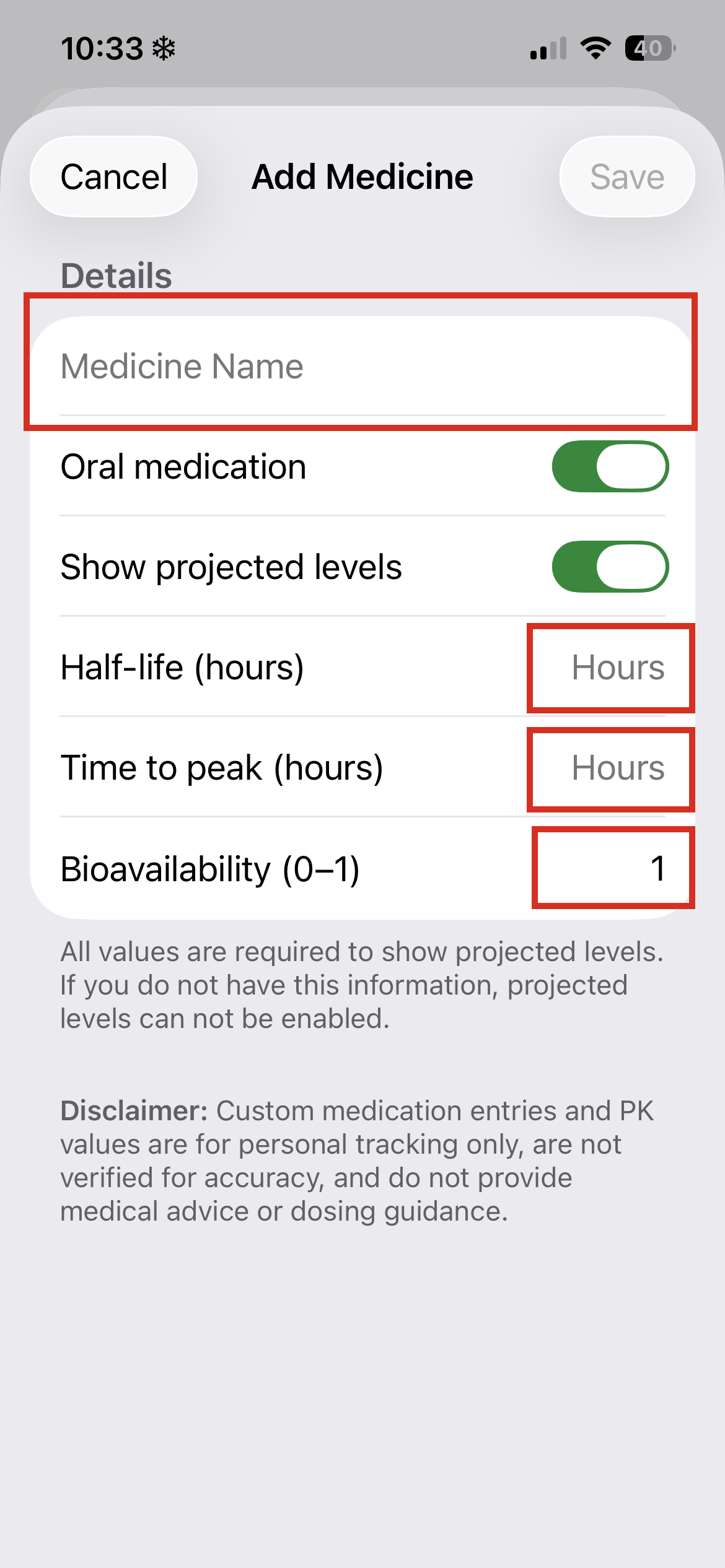 Not sure about the PK values? You can leave projected levels off and still log shots normally — you just won't see the estimated level curve for that medicine. Your prescriber or the medication's package insert may have this info if you want to add it later.
Tap Save when you're done. Your custom medicine will appear in the Select Medicine list alongside the built-in ones, and you can favorite it just like any other medicine for quick access on the Add Shot screen.
Note: Custom medication entries and PK values are for personal tracking only and don't constitute medical advice or dosing guidance.