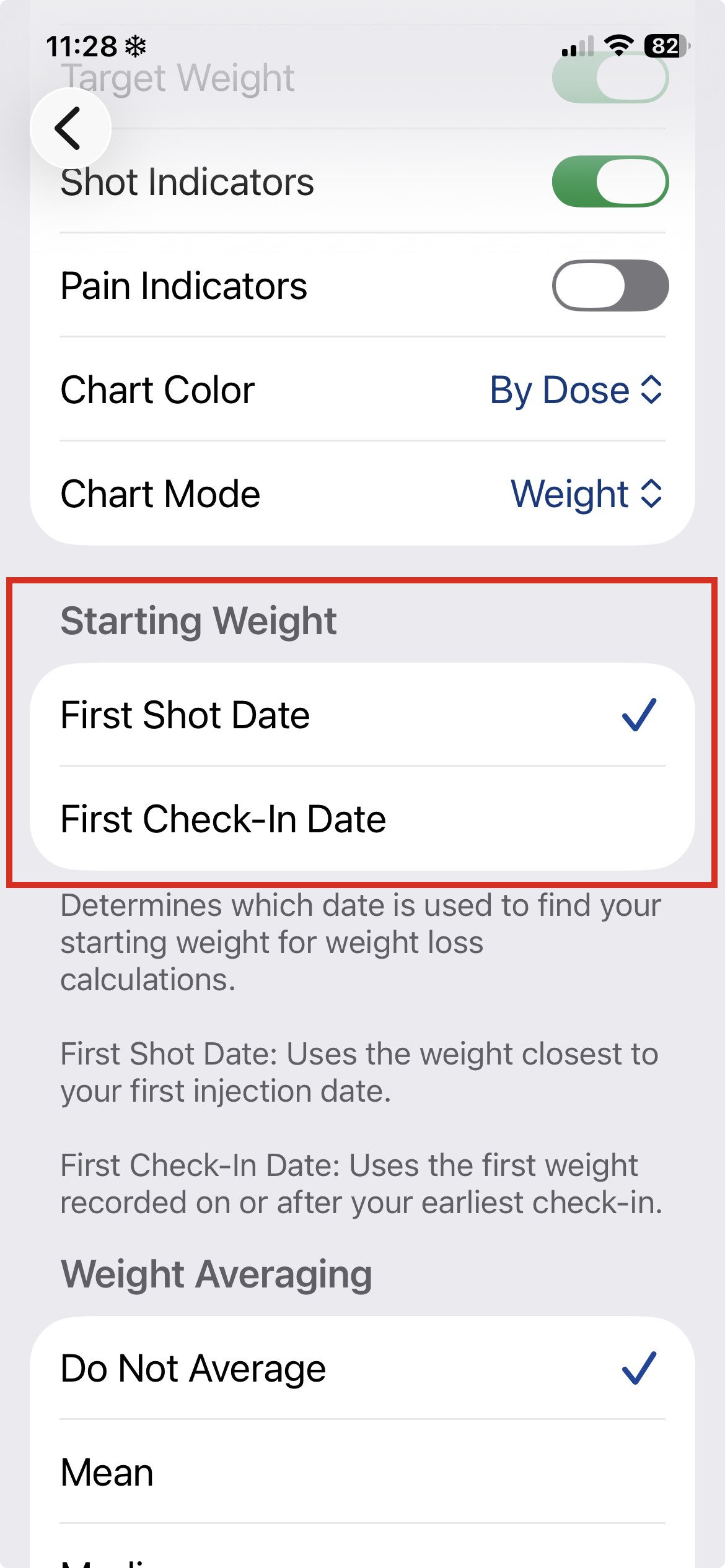
Pokii determines your starting weight based on the Starting Weight method you choose in Settings. This affects how your weight trends, percentage changes, charts, and PDF reports are calculated.
Change the mode in Settings → Charts.
You can choose between two methods:
Uses the date of your first recorded injection.
Pokii selects weights recorded on or before your first shot date.
If no weight exists on or before that date, Pokii will use the first weight recorded after it.
Uses your earliest logged check-in.
Pokii finds the first weight on or after that check-in date.
If no check-ins exist, it falls back to the first shot date method.
To add a check-in for a past date, simply add a check-in like normal, then click the Date in the header to change.
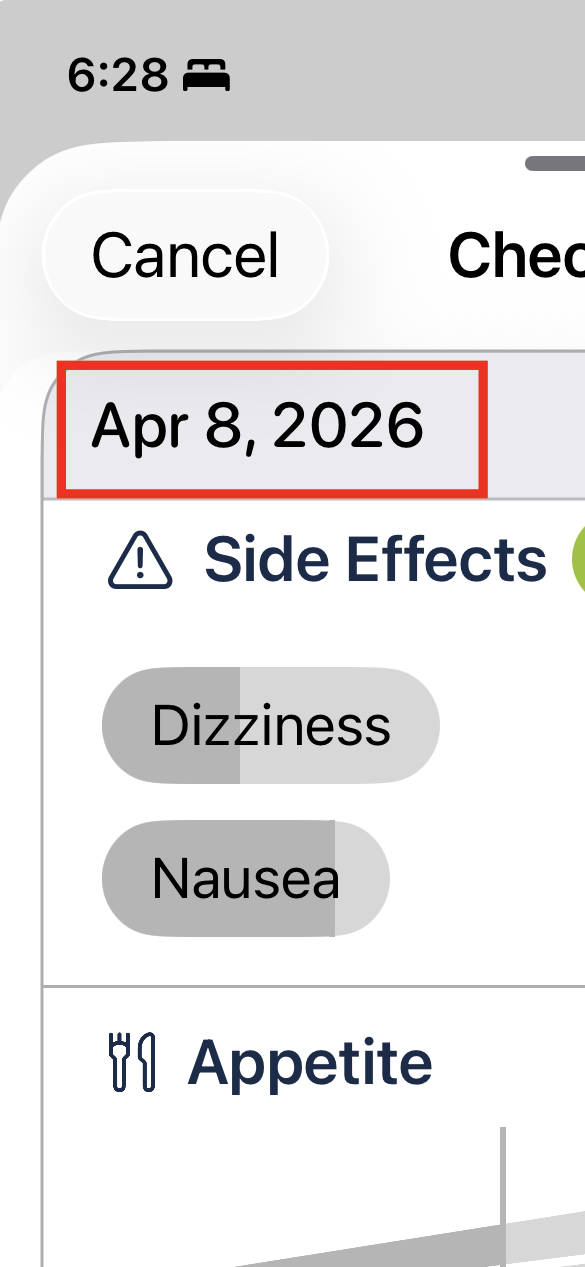
If you want a specific starting weight on a day that doesn't have a weight entry yet:
That's it — your starting weight will now reflect the entry you just added.
Released in Pokii v1.0.14