Tap Add Shot from the main screen.
You’ll see today’s date pre-selected at the top.
Tap the date field to open the date picker.
Choose the correct date (and time if needed).
Save your shot — that’s it!
If you forgot to log your last shot or just want to record an older one, Pokii makes it easy to backdate your entry.
You can do it two ways — whichever feels easier for you.
Tap Add Shot from the main screen.
You’ll see today’s date pre-selected at the top.
Tap the date field to open the date picker.
Choose the correct date (and time if needed).
Save your shot — that’s it!
Go to Calendar View (tap the calendar icon at the bottom right of the screen).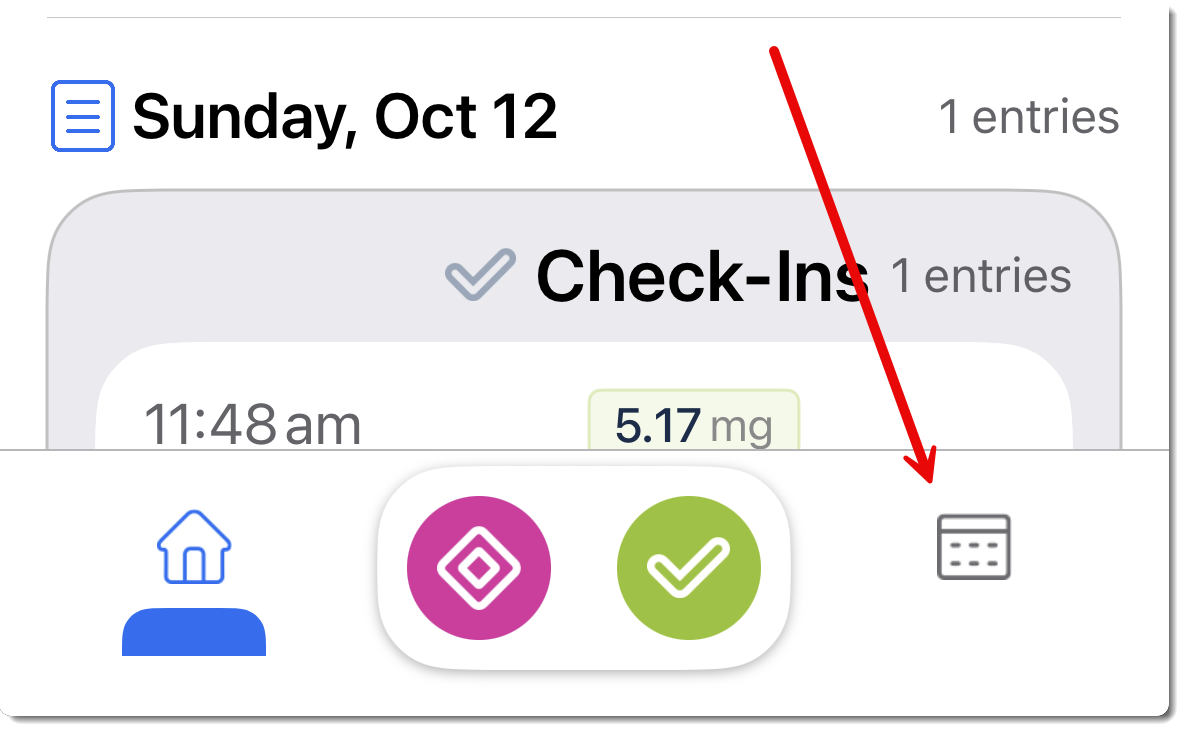
Tap the day you want to log a shot for.
Tap Add Shot.
The date will automatically be set to the day you selected.
Confirm your medicine and dose then save.
- Your projected levels and schedule will automatically update based on the new data.
- To change your medication or dosage, tap the medication label or dose label — both will open a picker so you can select your medication and dose.