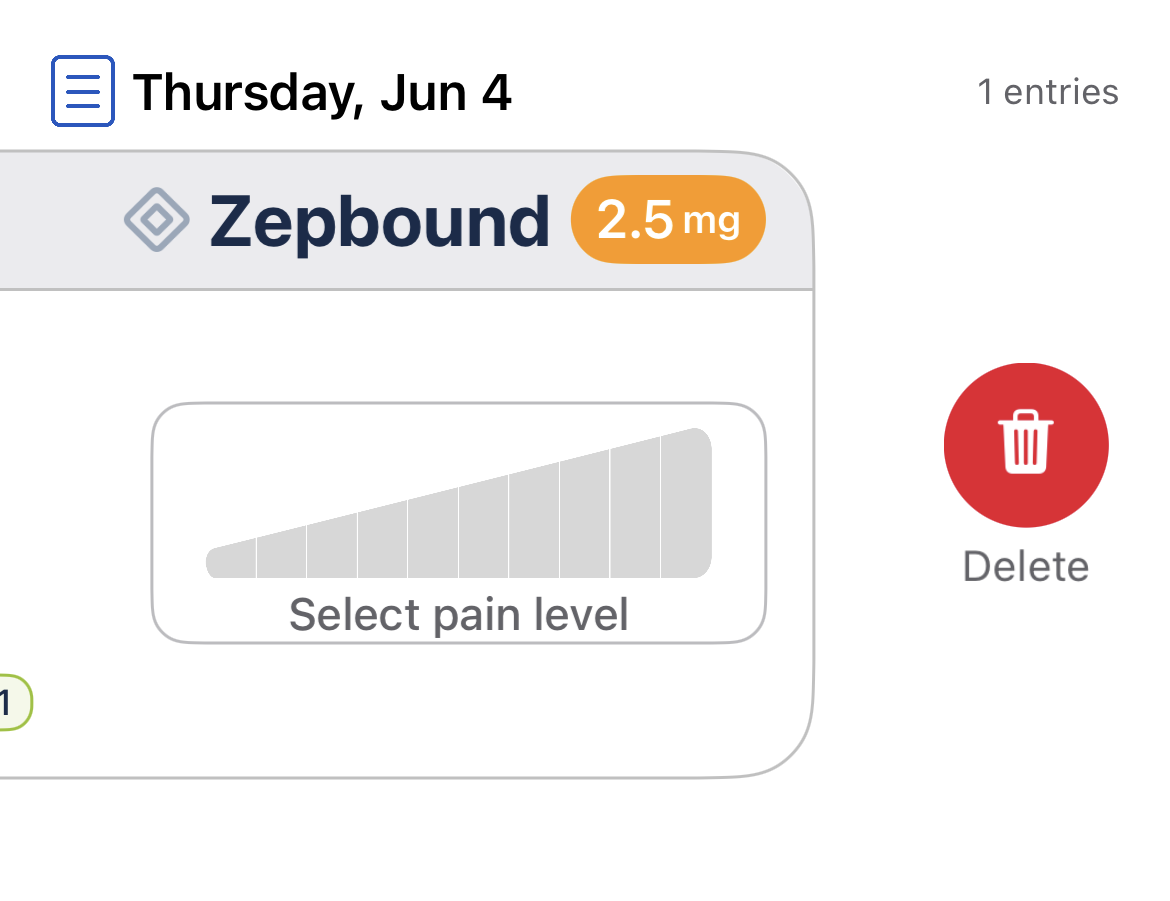
Pokii lets you delete any entry (shots or check-ins) if you need to make a correction.
Open the list where your entry appears (e.g., Dashboard, Calendar View, etc.).
Swipe left on the entry you want to remove.
A red trash can will appear — tap to Delete.